A gift that opens on time
Make a card that keeps its surprise until the moment you choose.
The app interface stays in English. Button names below match what you will see on screen.
The example
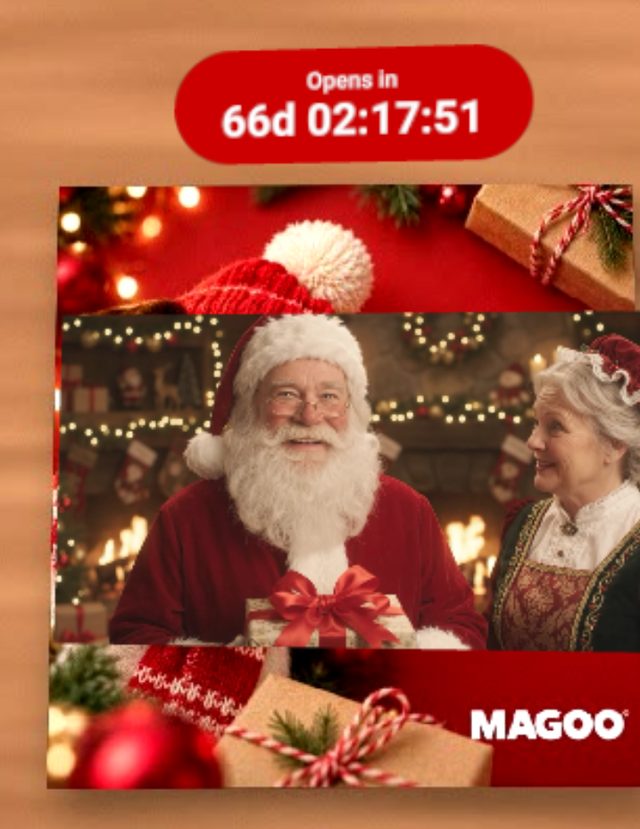
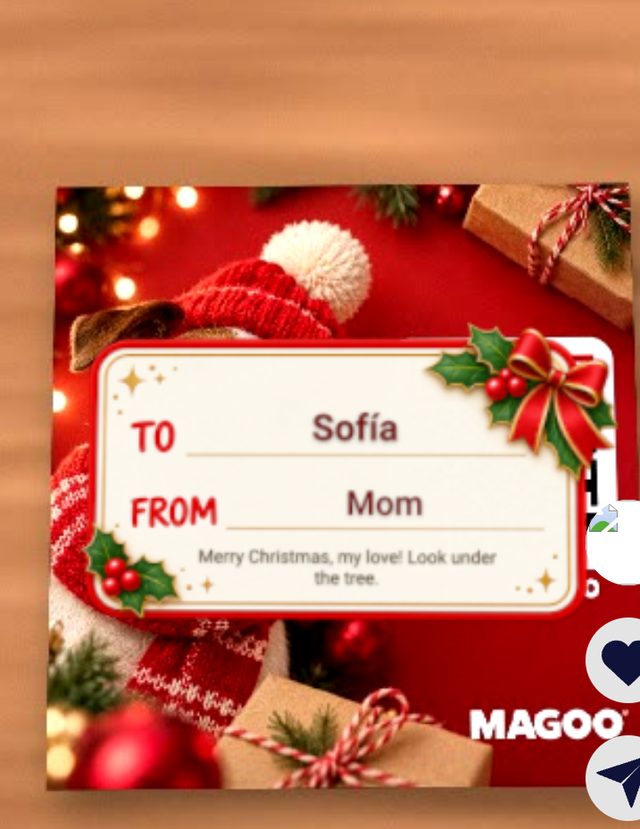
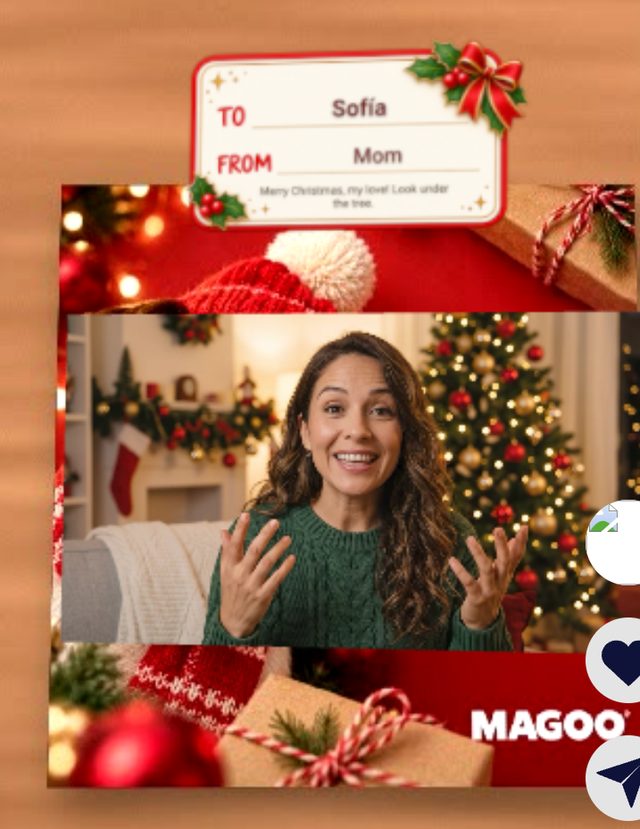
Mom made this card for Sofía. Before Christmas morning it shows Santa saying it is not time yet. At 7:00 AM a label says who it is for, then Mom's video plays.
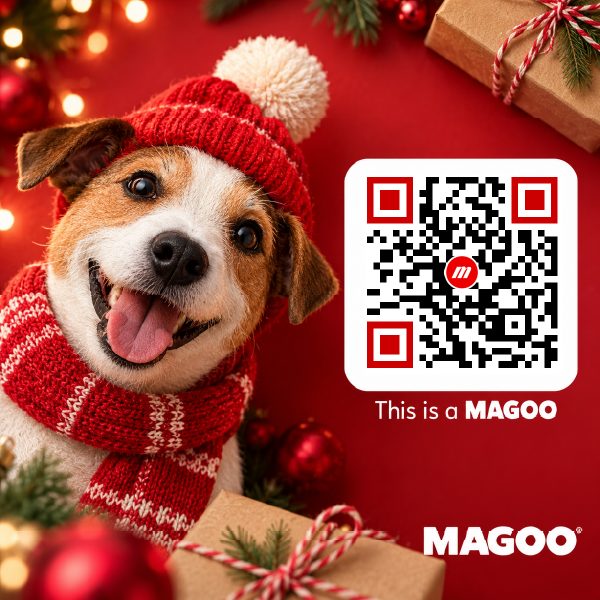
1Choose your card
Tap Create a Magoo and choose the picture of your card. It is the picture the camera will look for, so use the same one you will print or send.
2Add your video
Pick Video and upload your message. It plays on the card after the label.
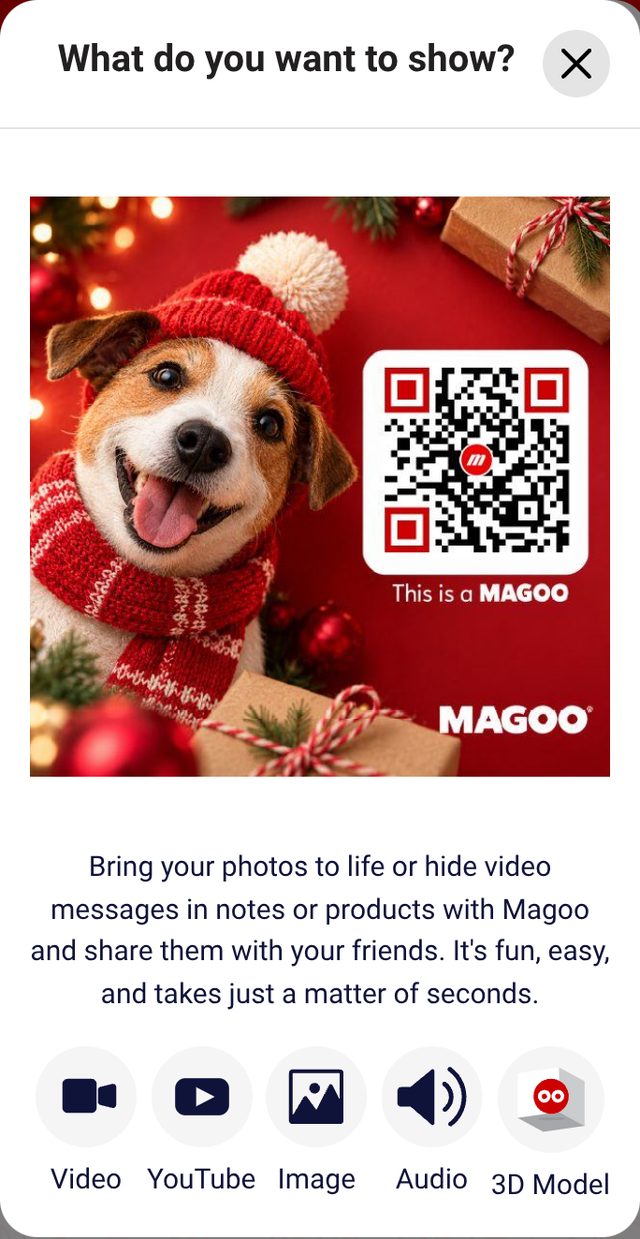
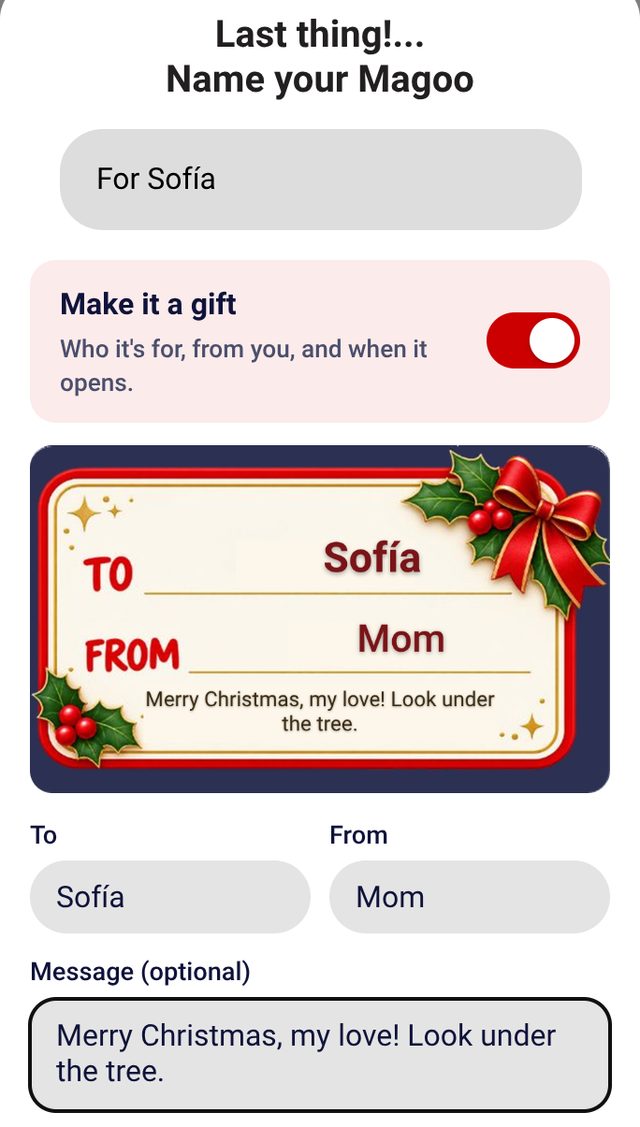
3Turn on Make it a gift
In the last window, where you name your Magoo, turn on Make it a gift. Fill in To and From, and a short message if you want. Pick a label; the preview shows it with your names.
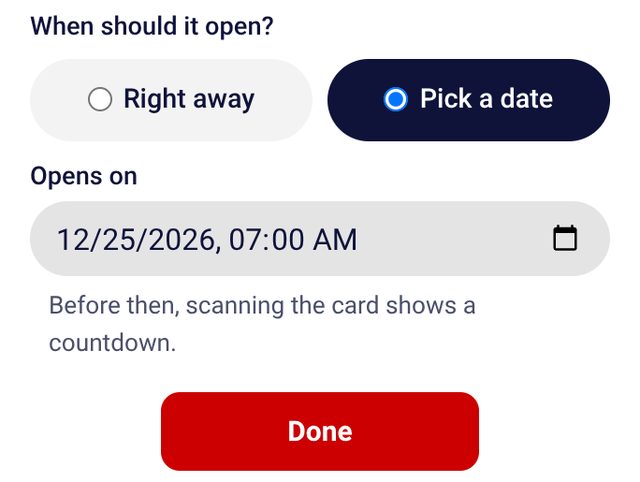
4Choose when it opens
Right away, or pick a date and time. Until then, anyone who scans the card sees a countdown and a waiting video, you included.
5Give the card
Print it or send it. Whoever has it opens the camera with its QR code or scans the picture in Magoo.
6Want to see it before?
Open the Magoo in Studio and tap Preview under Calendar. The preview works only in your account, for 10 minutes. Scanning the card never shows the surprise early, not even to you, so nobody can spy on it from your phone.
The label shows what you wrote. To change a name, make the card again before you give it.